Match Information
At the top of Match Detail, you can see the main information about the selected match.
This includes:
- Match Name
- Final Score
- Date
- Venue
- Opponent
- League
- Type
- Number of recorded Events
- Up to three Tags
Notes
Any Notes recorded during the match are also available on Match Detail.
This gives you a place to review observations that were written during live tracking together with the match data.
Event Overview
Event Overview displays the recorded match events directly on a large field.
Each event appears in the position where it was recorded.
Hovering over an event marker provides information about the event.
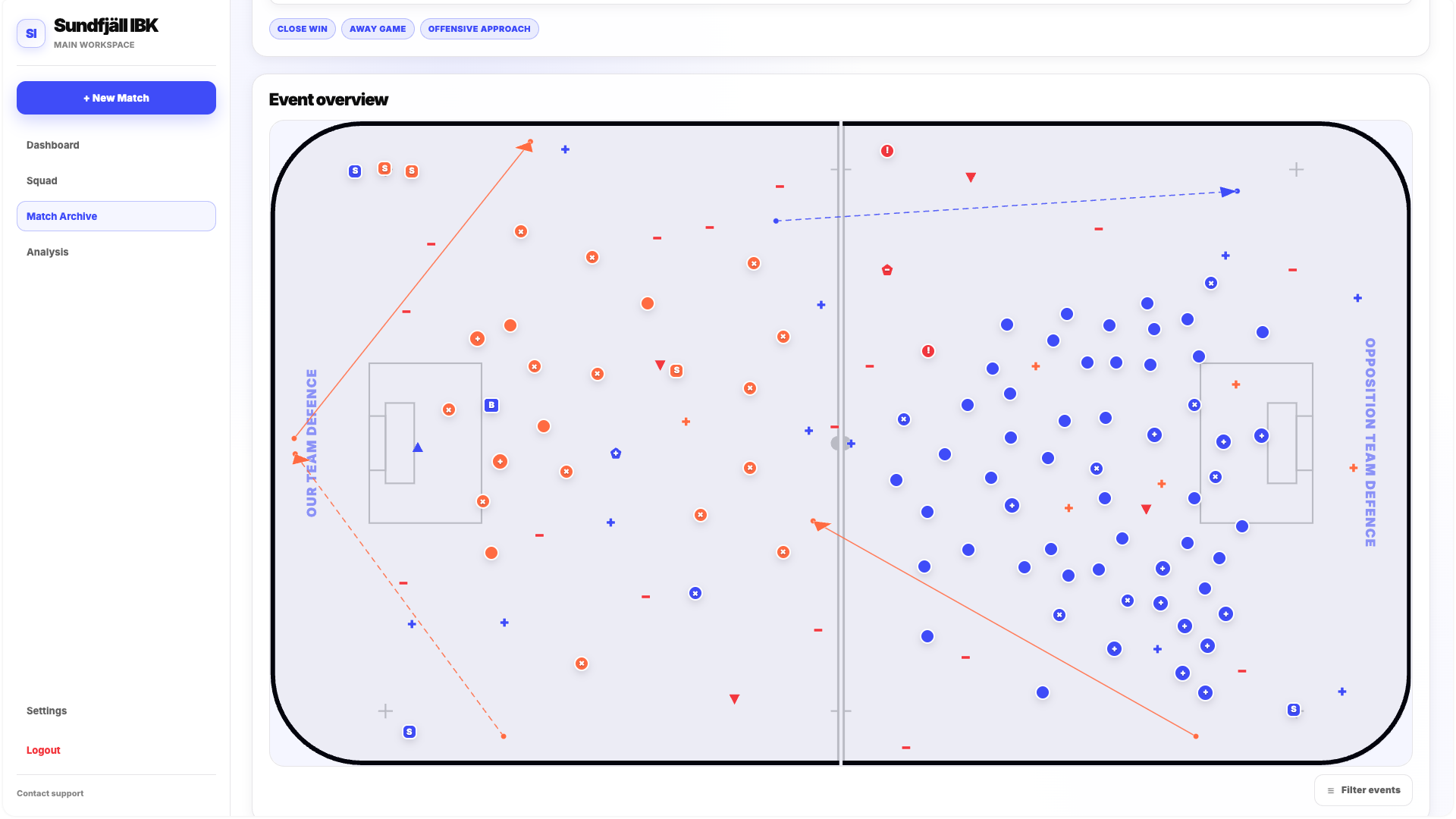
If the field contains too many events to interpret clearly, click Filter Events.
The Filter Events popup allows you to control which event types are currently visible.
This makes it possible to focus only on a specific part of the match data instead of viewing all actions at once.
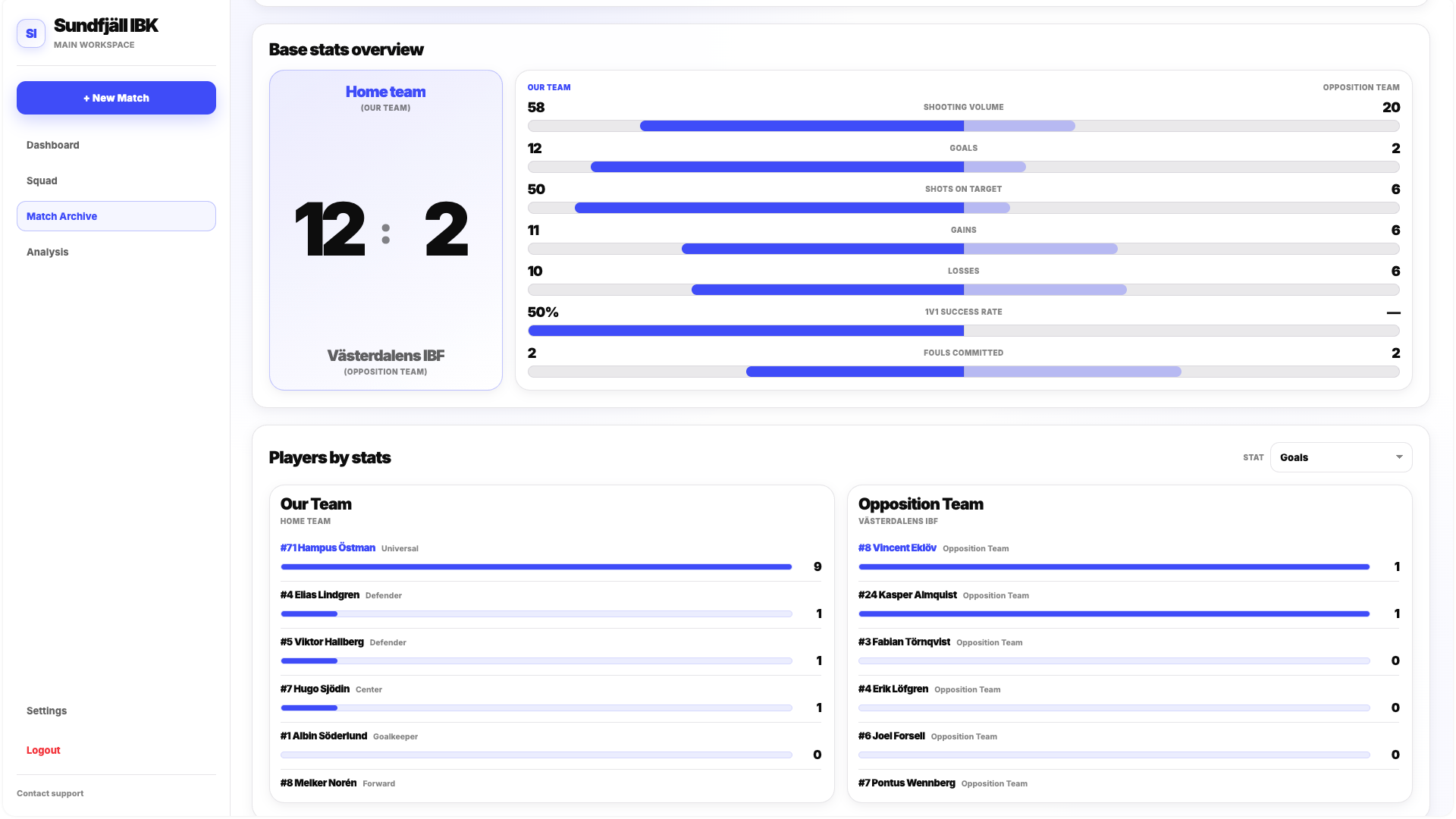
Base Stats Overview
Base Stats Overview provides a quick head-to-head comparison of the two teams.
It includes the final score and a visual comparison of key statistics such as:
- Shooting Volume
- Goals
- Shots on Target
- Gains
- Losses
- 1v1 Success Rate
- Fouls Committed
This section is designed for a fast summary of the match before moving into more detailed statistics.
Players by Stats
Players by Stats lets you compare players in one selected statistic.
Use the Stats dropdown in the top-right corner of the section to choose the metric.
Approximately 25 different statistics are available for comparison.
The section includes players who participated in the match from both teams.
This makes it possible to see which players produced the highest or lowest values for a specific metric without opening every Player Detail individually.
Statistics
The Statistics section contains a more complete set of team-level match statistics.
Use the Team dropdown to switch between:
- Our Team
- Opposition
The available statistics are grouped into areas such as:
- Shooting
- Possession
- Progression
- Duels
- Defense
- Discipline
Event Feed
Event Feed provides a chronological record of the events that occurred during the match.
Depending on the event, the feed can show information such as:
- Event Type
- Period
- Time
- Player
- Player Number
- Our Team or Opposition
- Active Lineup
This makes Event Feed useful when you need to understand not only what happened, but also the sequence in which the match events were recorded.