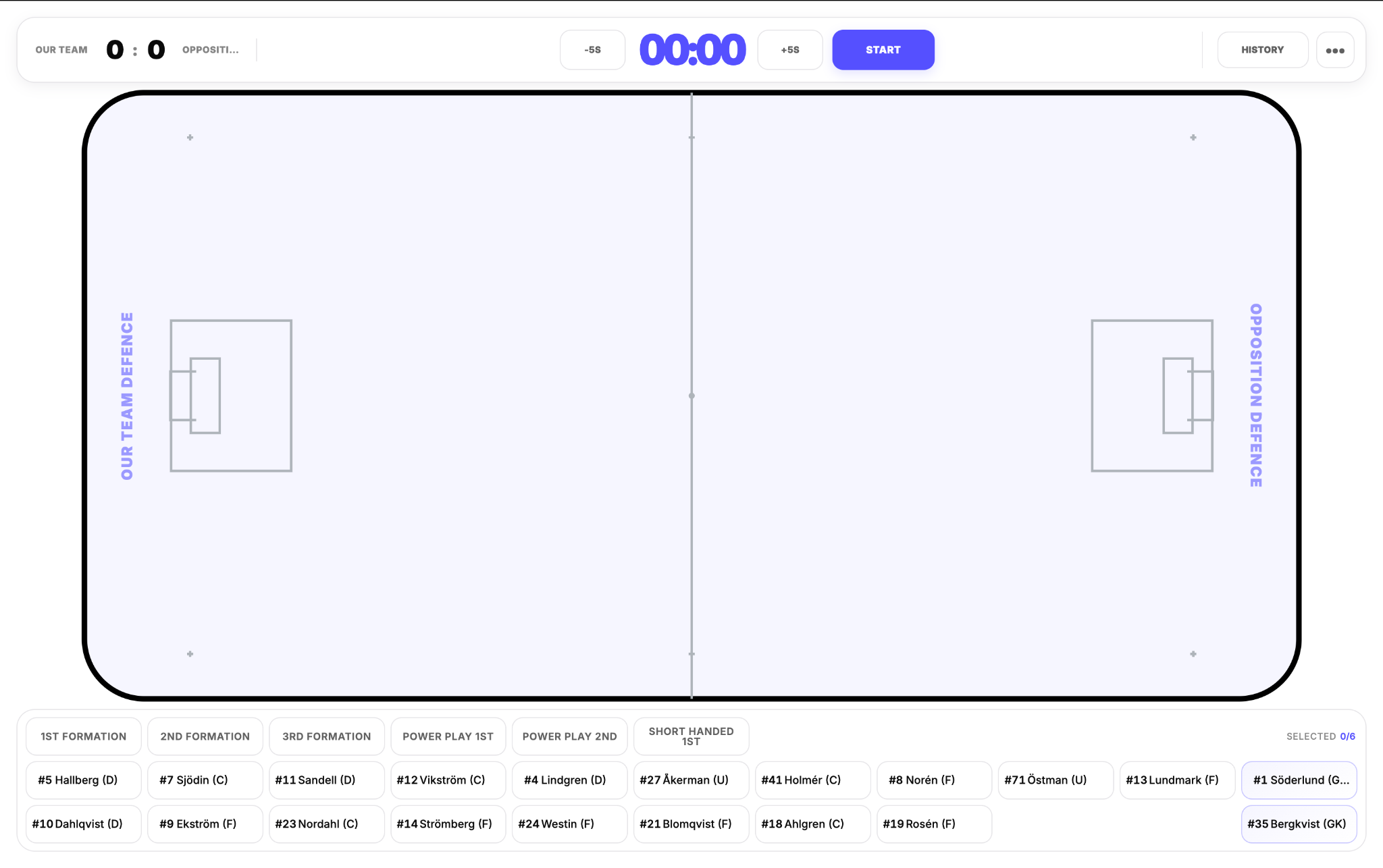
A cleaner Board built around the match
Board 2.0 gives more space to the field and the controls used continuously during tracking. The default view is now built from a top bar for time and match controls, a larger rink, and a player/lineup bar underneath.
The field is not only larger than before; its proportions and visual treatment also more closely reflect the real playing area.
Player time is now player-specific
You no longer need to keep a complete predefined lineup active to track time on field. Individual player tiles can be toggled directly; purple means active. Mixed combinations and individual substitutions can therefore be represented exactly as they happen.
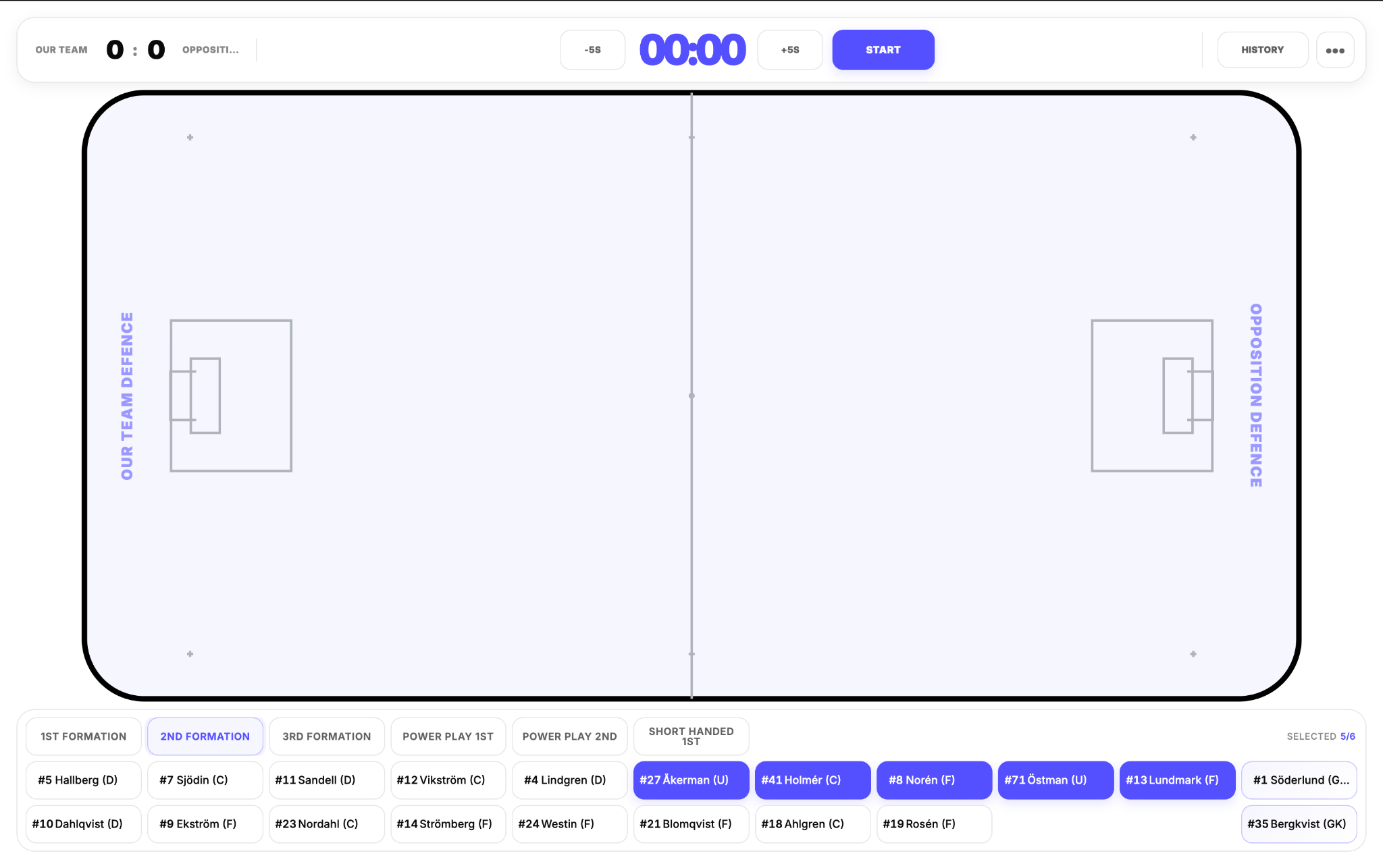
Lineup hotkeys remain available when a whole formation enters together. One click selects the lineup, after which individual players can still be adjusted.
Lineups have been reworked
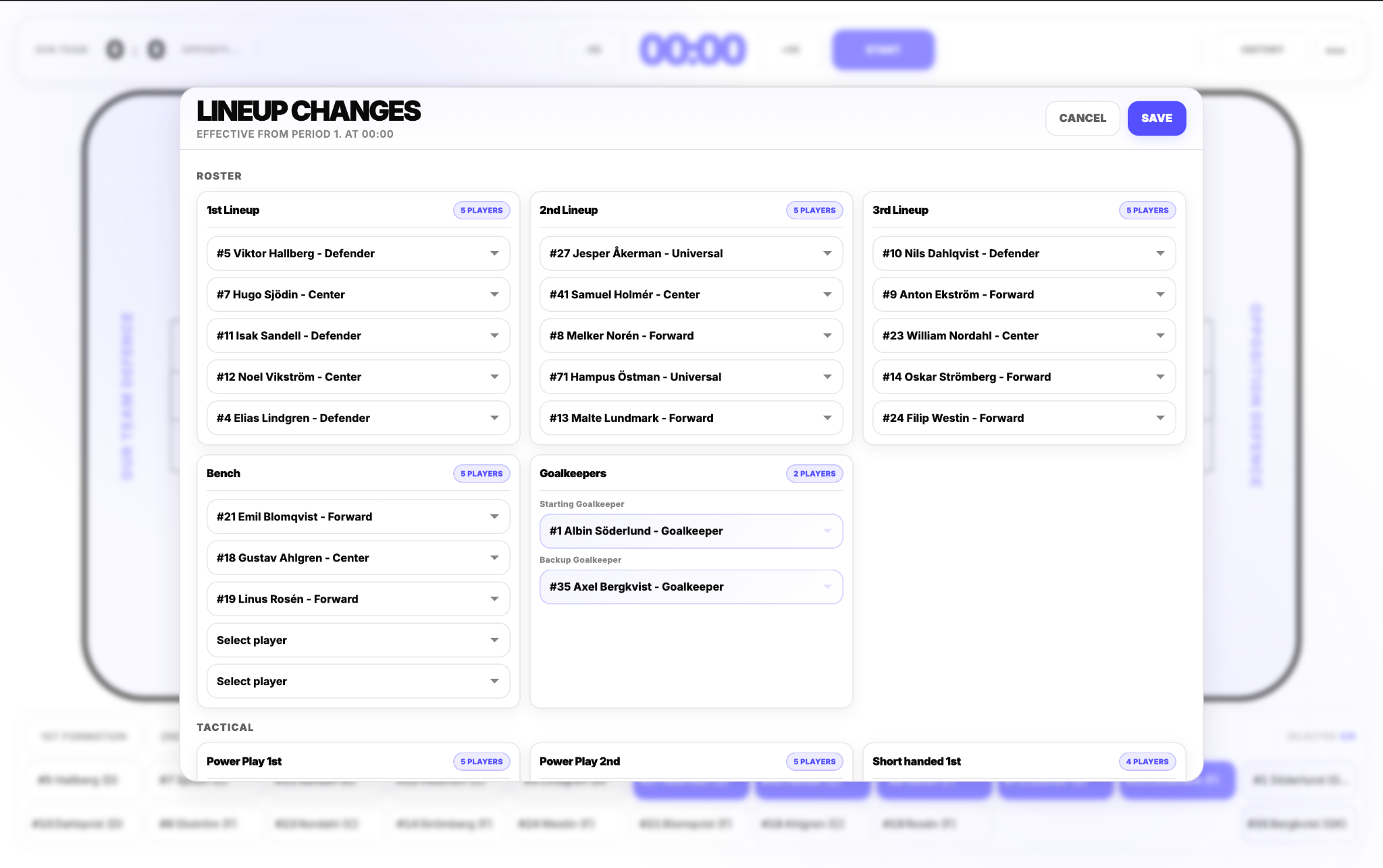
A Lineup Group can now contain three standard lineups, two goalkeepers, up to five bench players, up to two Power Play lineups and up to two Short Handed lineups. Goalkeepers are handled separately as Starting Goalkeeper and Backup Goalkeeper.
Plans also change during games. Menu → Lineup Changes lets you update the current structure without leaving the match.
Less clutter in the default view
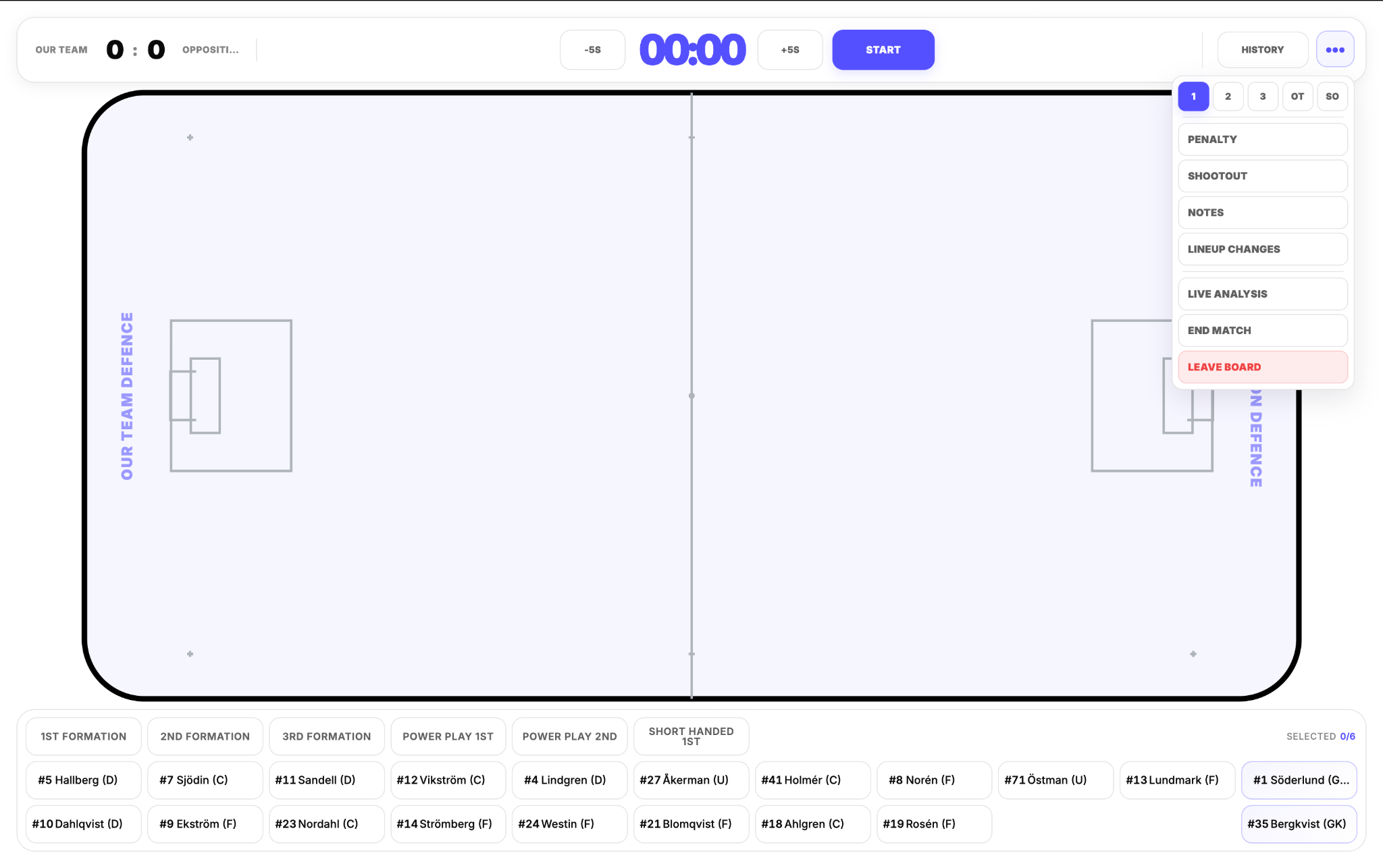
History replaces the permanently visible Event Feed. Open it from the top bar to review the chronological match record, including contextual events such as penalties, empty-net situations and shootouts.
Penalties and Shootouts are now inside the main Menu because they are used less frequently. Period switching, Notes, Lineup Changes, Live Analysis and End Match are available there as well.
A pulsing red indicator next to a team in the top bar shows when that team is currently short-handed.
Choose how detailed your tracking should be
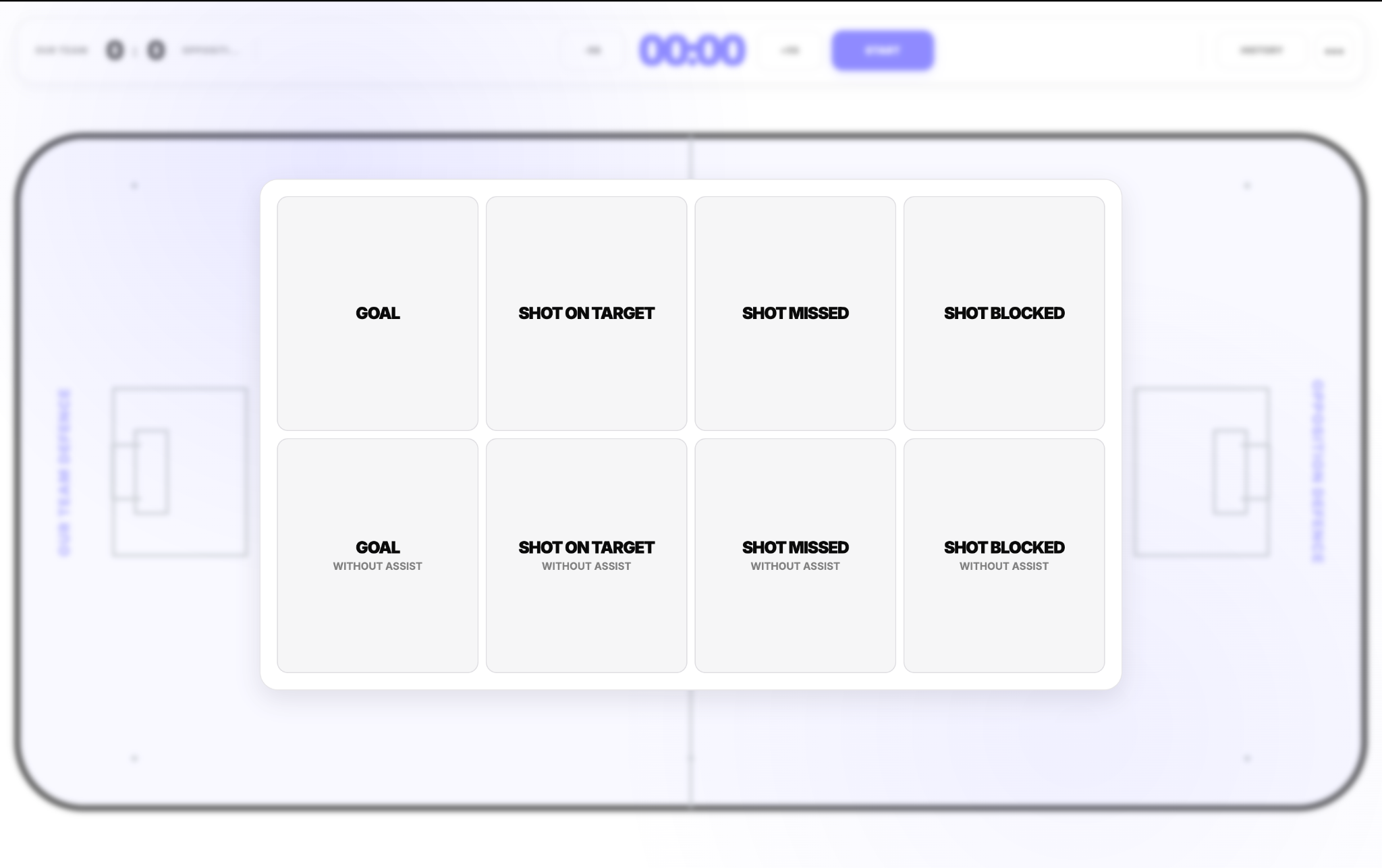
Shooting-only mode
Only shooting-related events are shown. Shot markers indicate the result by colour, and assists can be tracked for shooting events beyond goals.
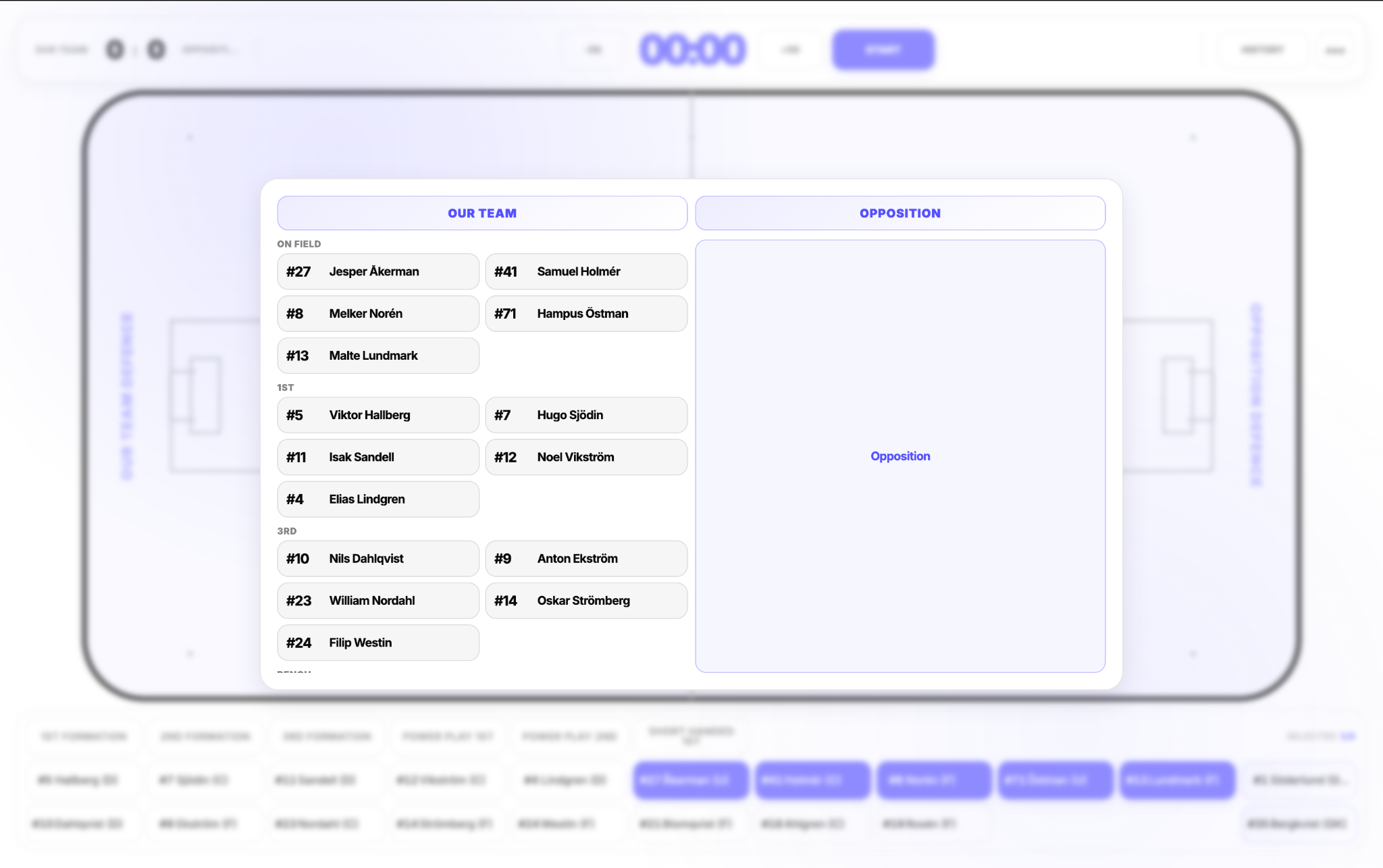
Track Our Team Players / Opposition Players
Choose independently whether events for either team require a specific player. This supports faster team-level tracking when individual attribution is unnecessary.
Track Only Our Team
Remove Opposition event selection entirely. Combined with Our Team player tracking turned off, a standard event can be recorded with only two clicks.
Track Player Time
Turn exact time-on-field tracking off when it is not part of your workflow. The bottom player-time section disappears, while player event attribution and plus/minus remain available.
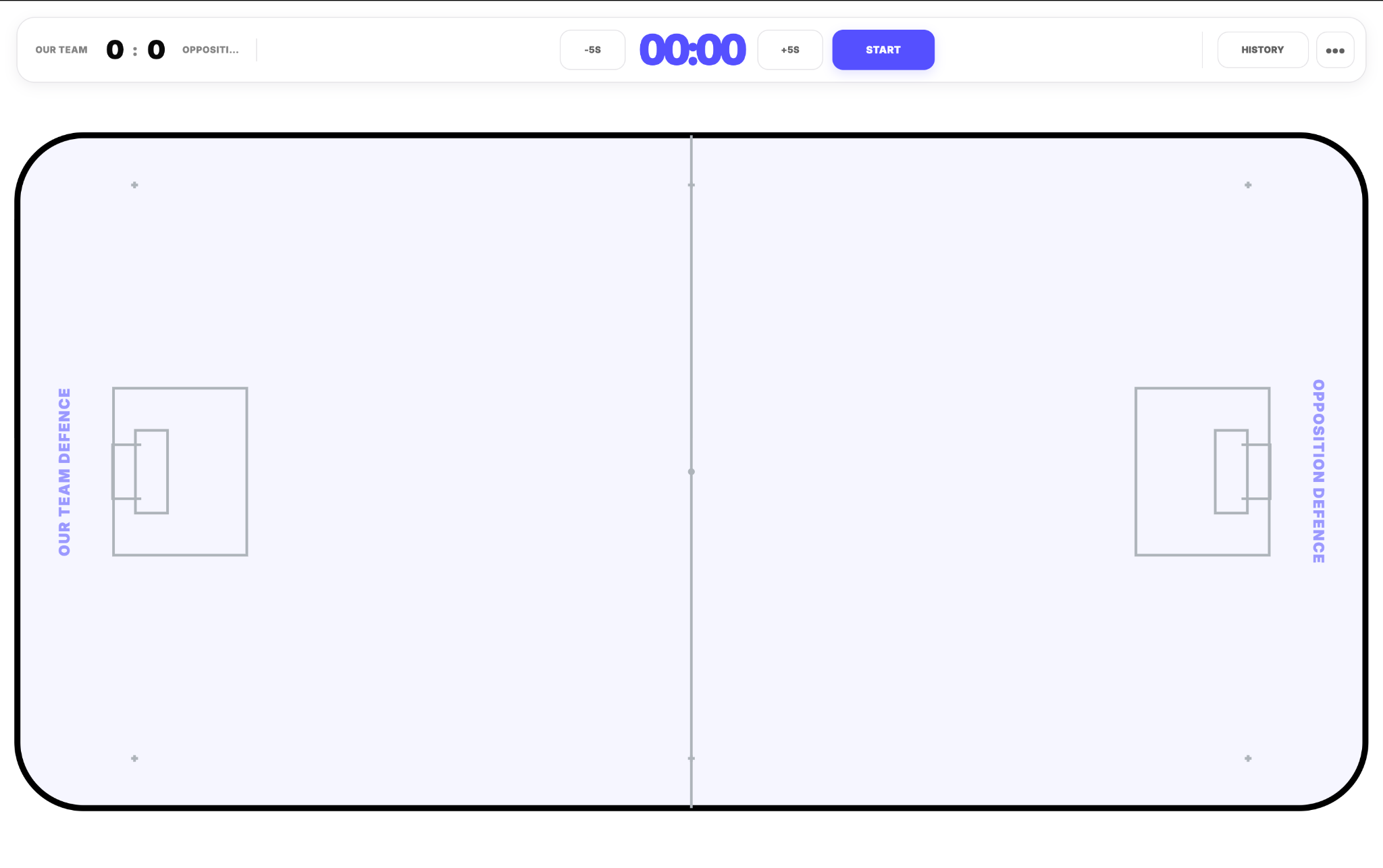
More flexible time handling
The clock supports five-second corrections in both directions. When time is moved backwards, Board 2.0 can reconstruct the player set that was active at that moment; new changes from the corrected time then rewrite the future player-time timeline.
Changing periods clears the active on-floor selection so each period begins with a clean player state.
For step-by-step instructions, open the updated Match Board & Live Analysis guide.